Find My Car: never lose your car again
Have you ever struggled to find your car? With Find My Car - Vehicle Tracker, you will always be able to find it again.
See your parking history on a live map →
How it works
Find your parked car in three steps
1. Save your spot
Tap Park when you leave the car, from the app, a widget or by asking Siri. Parked somewhere else? Hold your finger on the map to pick the spot.
2. Add the details
Take a photo of the floor or the nearest pillar, write a note and set a reminder before your parking time runs out.
3. Walk back to your car
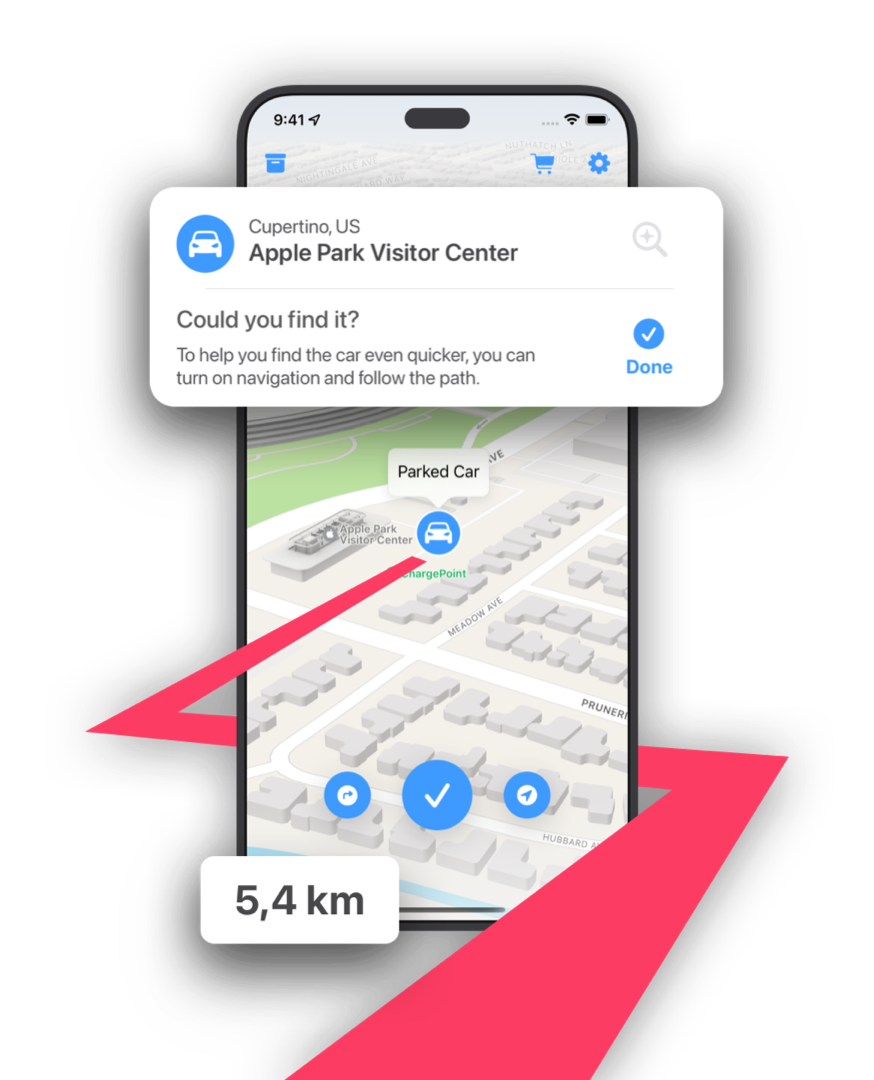
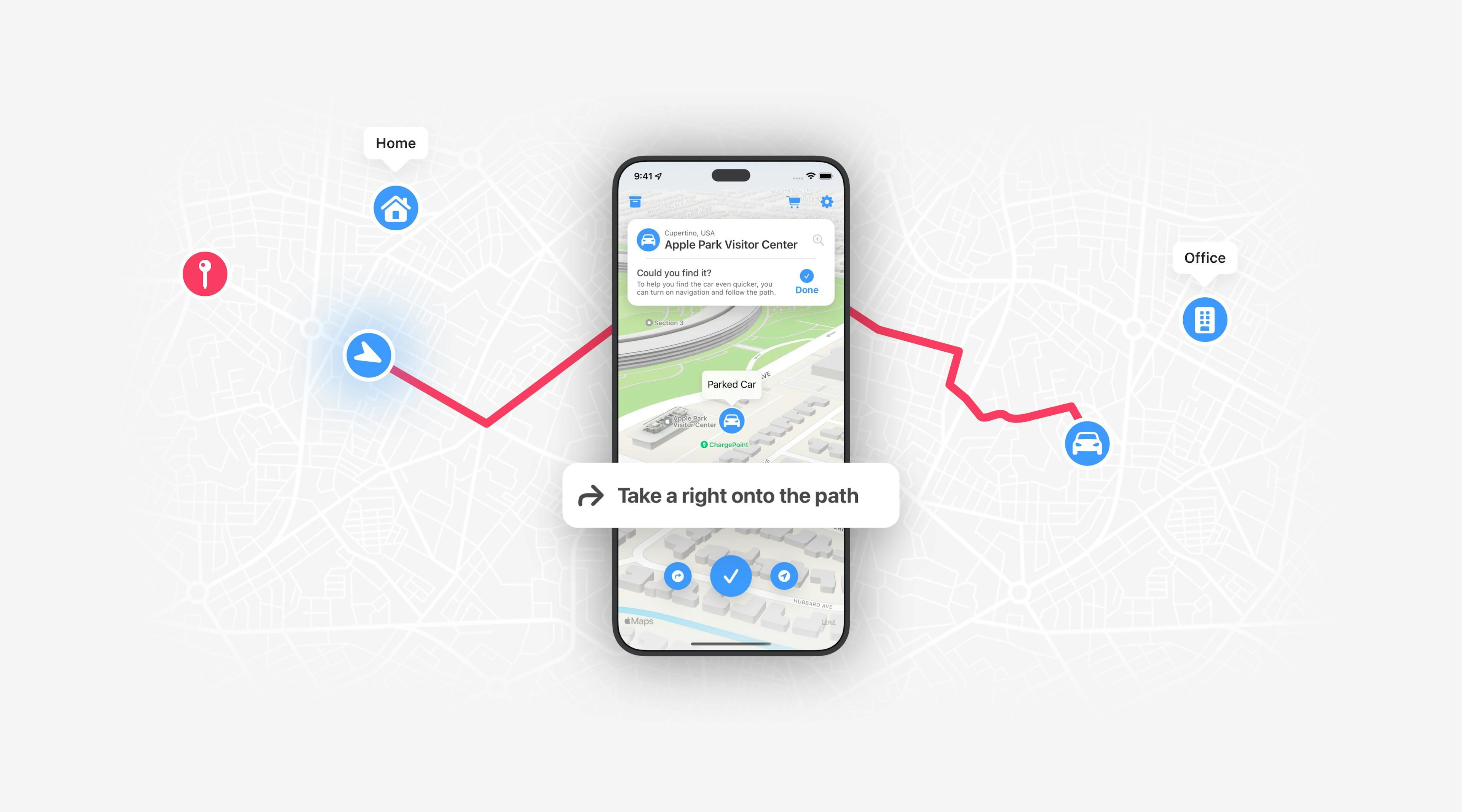
When you are ready to leave, open Find My Car and get directions straight back to your car, wherever in the world you parked it.
No more stress
Simply park your car and navigate back when it's time
Find My Car lets your park your car when you are traveling or just driving around. It saves the location, and can navigate you back to your car, wherever you are in the world.
Data driven
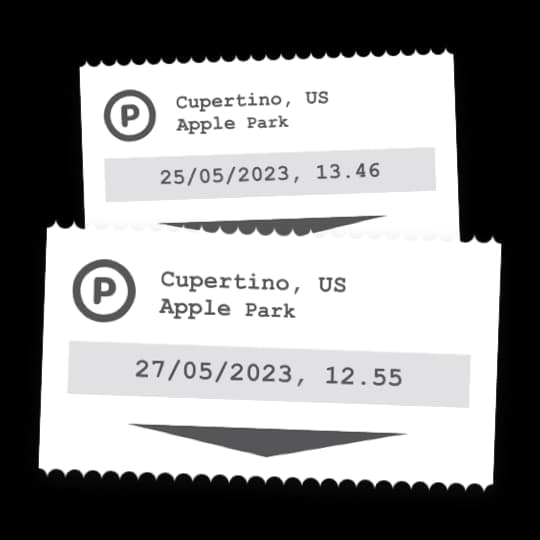
Manage your parking data, keep track of your travel history
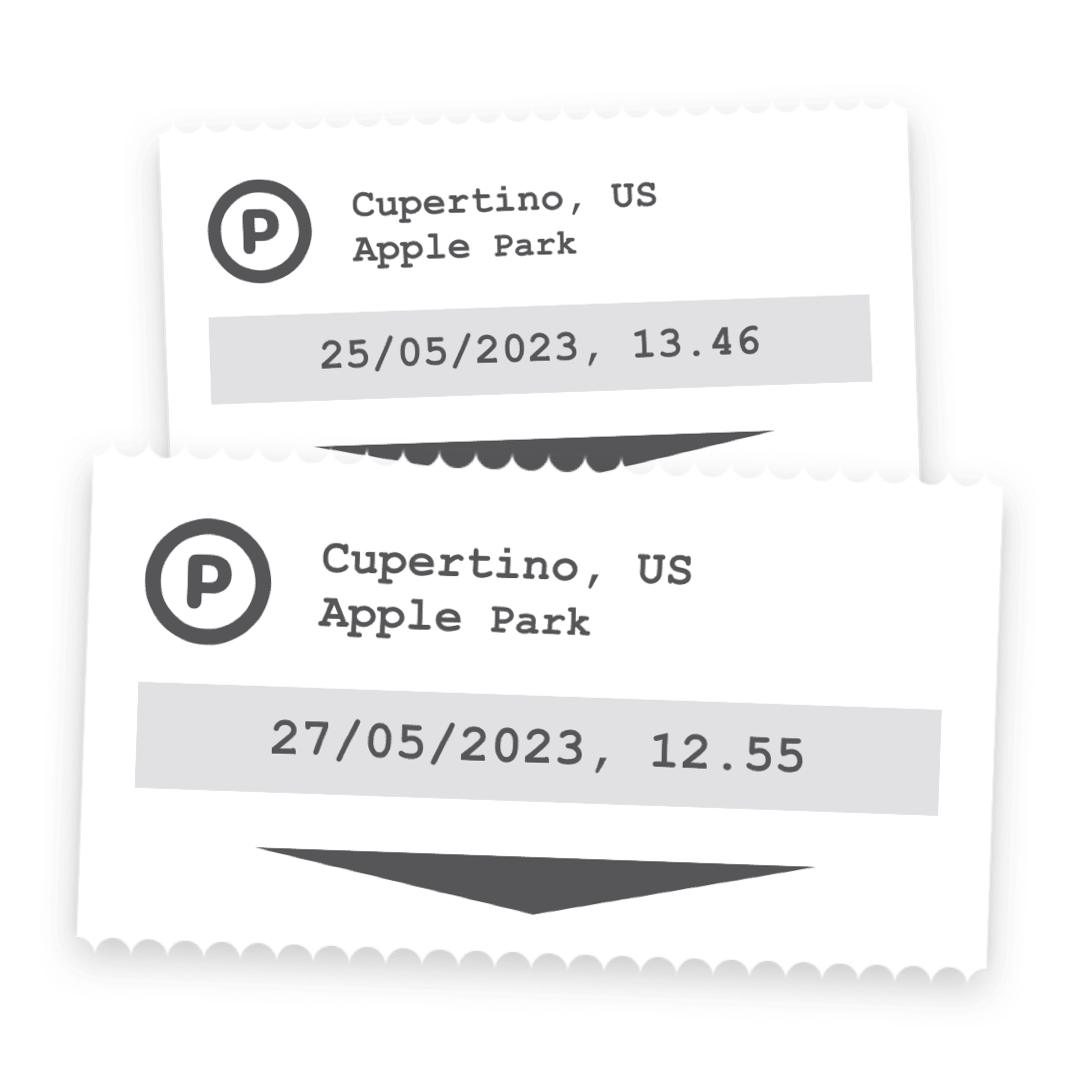
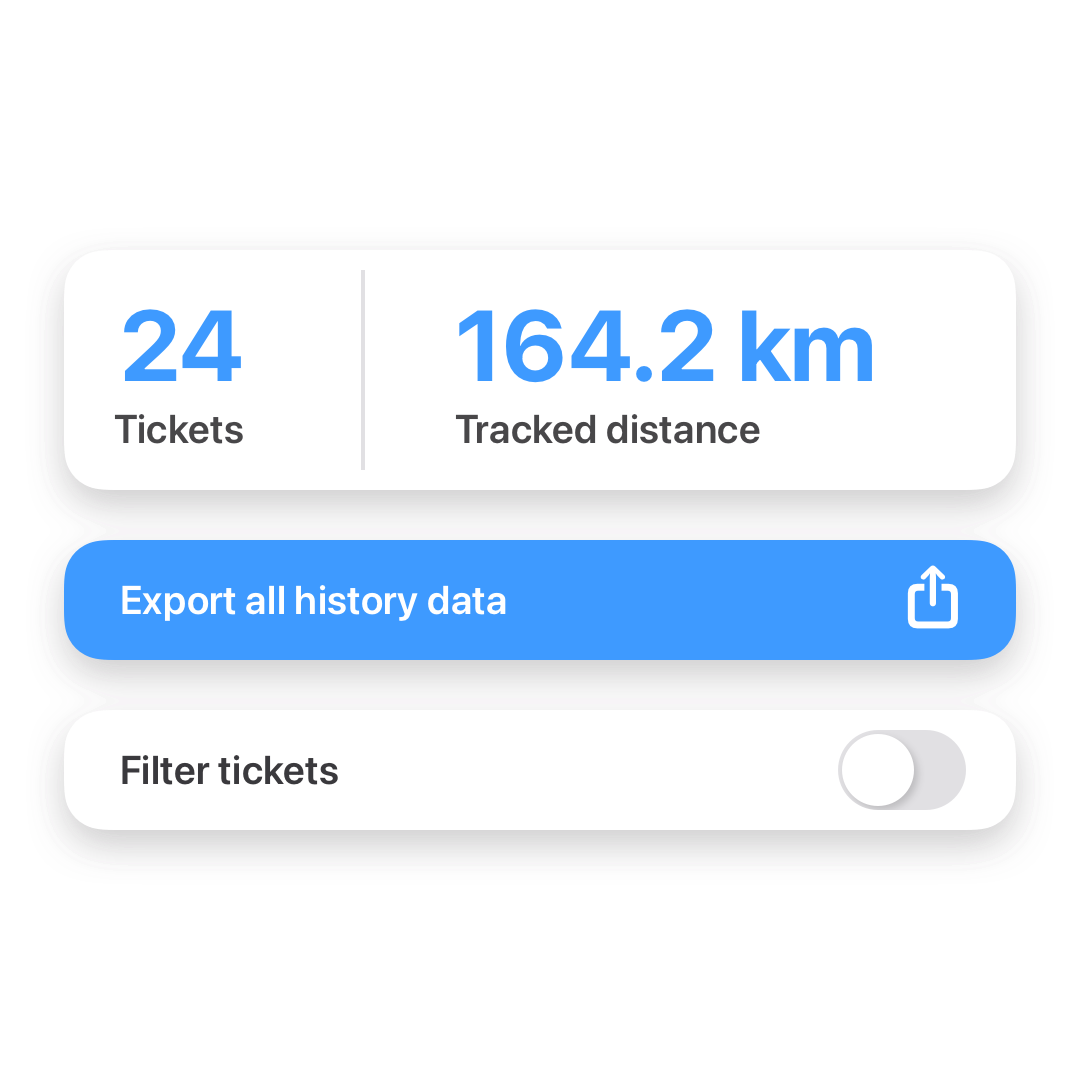
Get an overview of when and how far you're driving. Wether it's a business trip or a family vacation, keep track of the mileage you put into your car. As you collect data, you'll be able to export it as spreadsheets.
Let others know
Share your car's location straight from the app
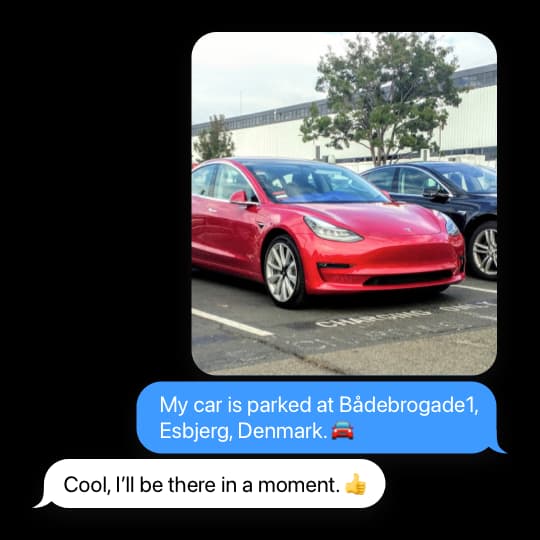
Make meetings easier by letting your family or friends know where you're parked. You can send a message from the app with the photo and description of the location.
When, where, how long...
Detailed information and overview, you will know everything and more
Have you ever struggled to find your car? With Find My Car - Vehicle Tracker, you will always be able to find it again.
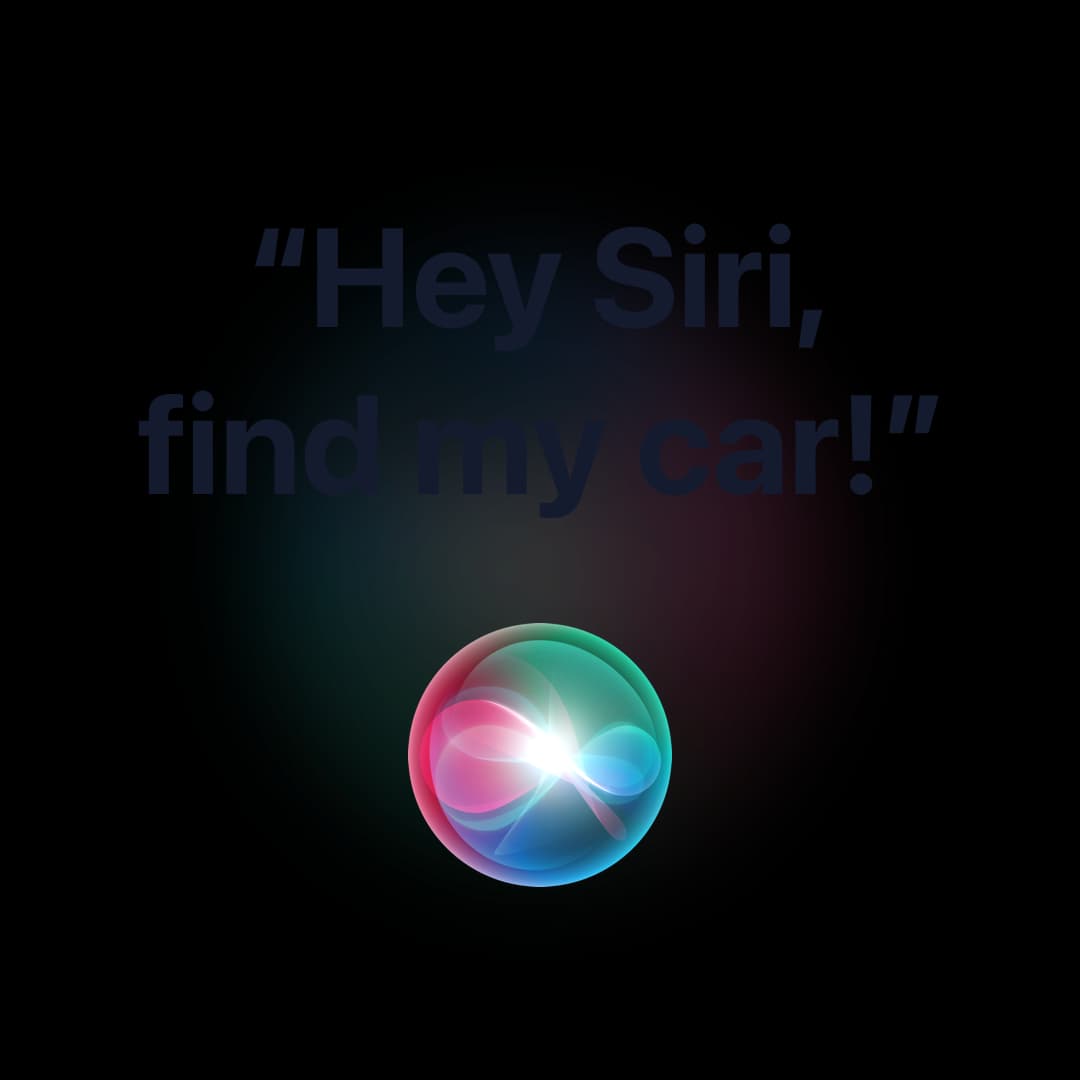
Just ask Siri, and it shows the location
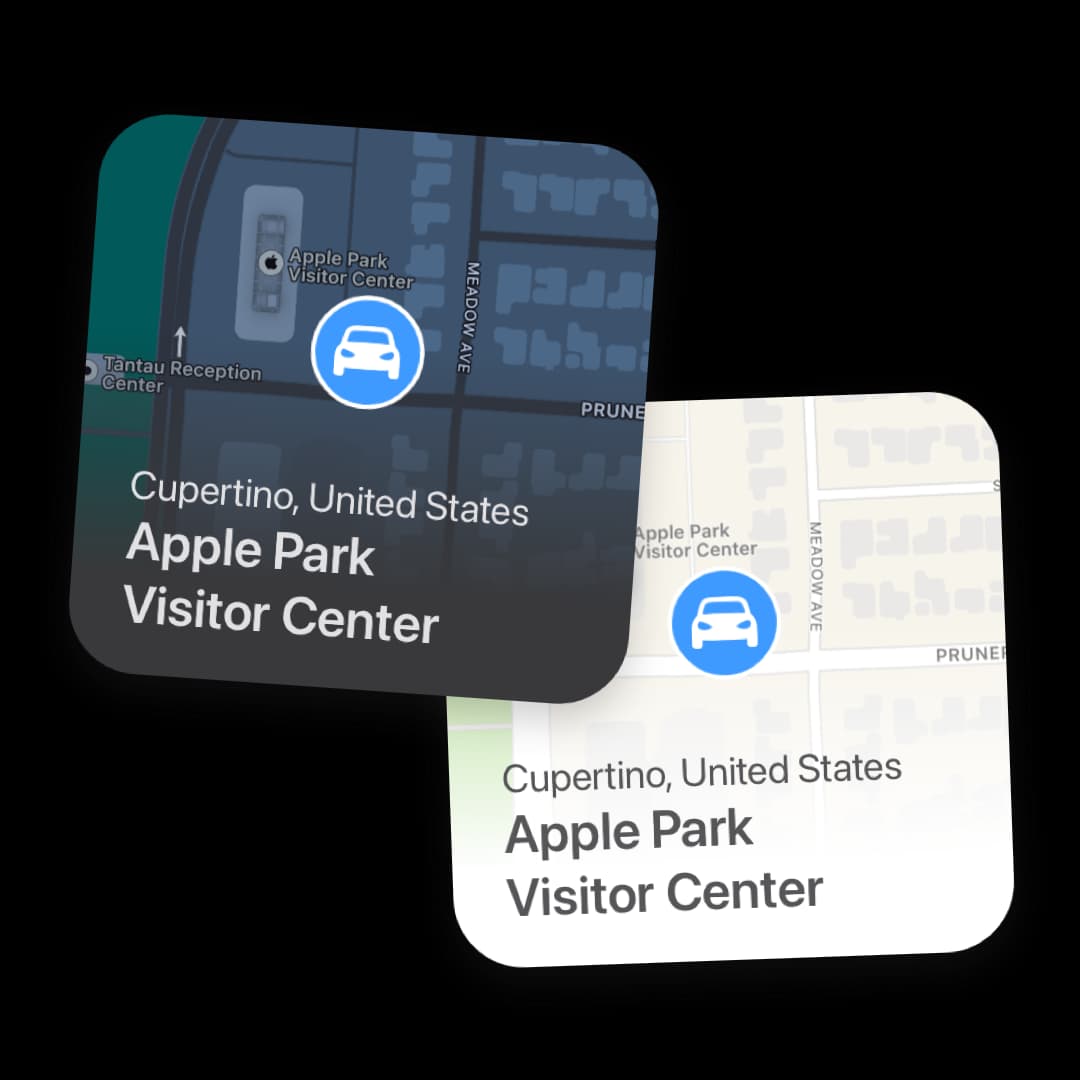
Add widgets to see your parking spot
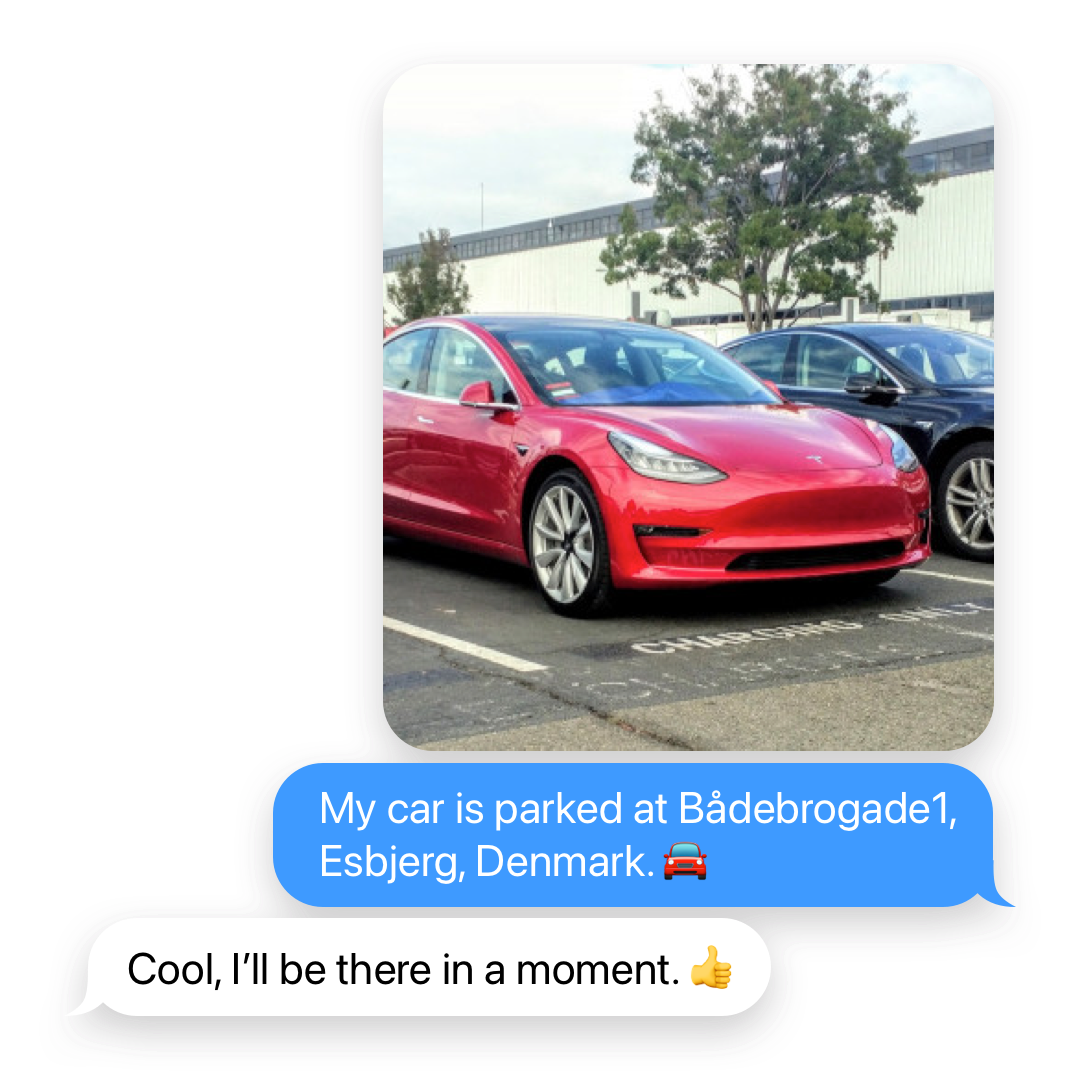
Share your spot with your loved ones
Find my car location
Why use an app when your maps app can save your parking spot?
Apple Maps and Google Maps can remember where you parked, but only in some cases. Apple Maps only marks the spot when your iPhone was connected to the car over CarPlay or Bluetooth, and it skips places like home and work. On iPhone, Google Maps removes the spot after 48 hours or when you start driving again.
Find My Car saves every parking the moment you tap Park, whether or not the car has Bluetooth. It keeps your full parking history, so you can see where you parked last week and export it as a spreadsheet, and it works the same way on iPhone and Android.
Step-by-step: how to find your parked car with Apple Maps or Google Maps →Questions about finding your car
How do I find my car's location?
- Open Find My Car to see your car on the map, with the address at the top. Tap the car for the photo, your note and the time you parked, and get directions back to it. You can also ask Siri or look at the widget on your home screen.
Is Find My Car free?
- Yes. Saving your parking spot and finding your car again is free on iPhone and Android. An optional Pro upgrade adds extra features.
Is there a find my car app for Android?
- Yes. Find My Car - Vehicle Tracker is on Google Play as well as the App Store, with the same parking, history and sharing features.
Can I locate my car if I forgot to save where I parked?
- No app can know a spot you never saved. Your phone may still have it: check Parked Car in Apple Maps, your Google Maps Timeline, your car maker's app or a photo you took nearby. Our guide shows where to look.
Can I see where I parked before?
- Yes. Every parking is kept in your history with the date, the duration and the place, and you can export it as a spreadsheet, for example to track mileage for work.
Can I share where my car is parked?
- Yes. Share the spot from the app and the people you are meeting get a message with the location, your photo and a description.